A website and a shopin one panel.
mk-shop is my own CMS with a shop. I build a site on it for your brand, and you get a simple panel: products, orders, payments and content in one place. No plugins and no WordPress.
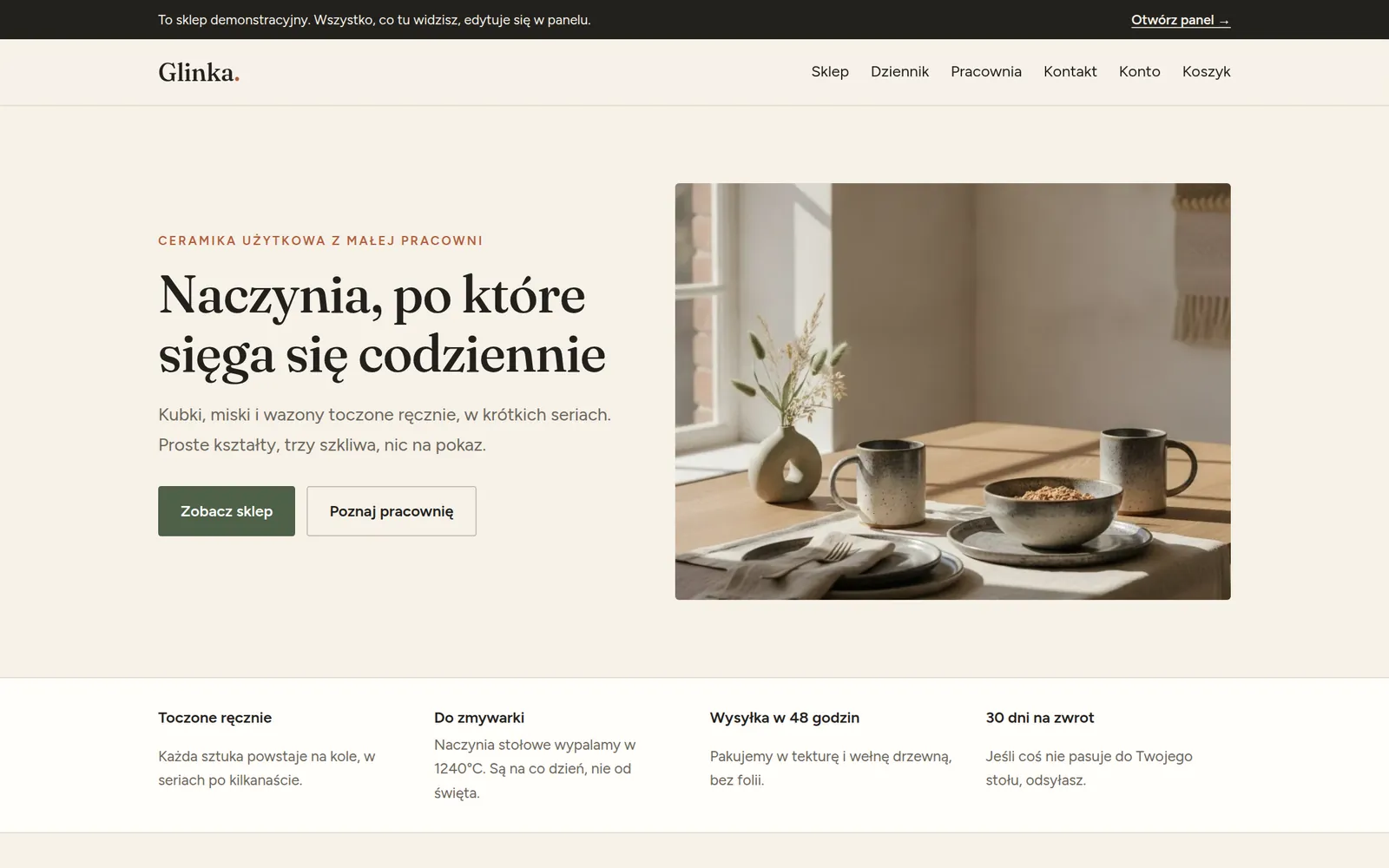
Don't take my word for it. Go and click around.
A made-up ceramics shop runs at cms.mateuszkornas.com. Its panel is open to everyone: the sign-in details are filled in on the sign-in page. Change a price, add a product, write a post and watch it show up on the site at once. The demo is in Polish.
The demo goes back to its starting state every night, so you cannot break anything. Don't type real details into it.
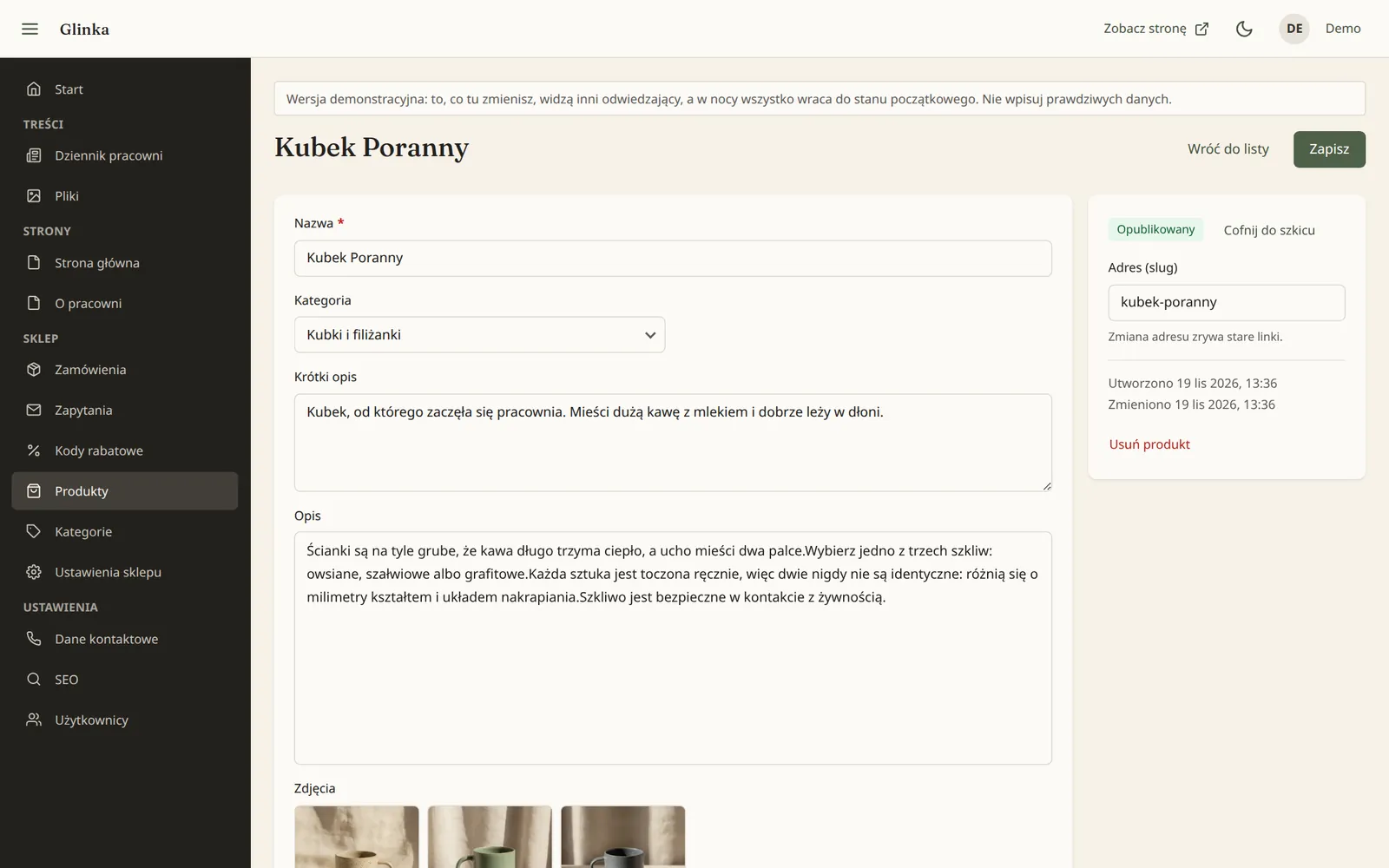
Everything a small shop needs.
Products and variants
A photo gallery, variants with their own price and stock, categories, and a previous-price field that meets the EU Omnibus rule.
Orders and payments
Cart, checkout and payment through Stripe. Order statuses, refunds and customer e-mails are handled from the panel.
Discount codes and delivery
Percentage, fixed-amount or free-delivery codes. You set the delivery methods, their prices and the free-delivery threshold.
Products on request
An item with no price, or one that is sold out, collects enquiries: the customer leaves an e-mail, and the enquiry lands in the panel and in your inbox.
Content and blog
You edit page texts and photos, the blog and the SEO fields yourself. The panel crops and resizes photos for you.
Accounts and change history
Separate accounts for an administrator and an editor, and a log of who changed what.
Fewer parts that can break.
01There are no plugins. The shop, enquiry forms, SEO and image handling are part of the system, so there are not twenty add-ons to update and watch.
02The panel holds only what is on your site. Every field maps to a specific place on a page, so you cannot break the layout or get lost in settings.
03The whole thing is one small program and one data folder. A backup, or a move to another server, is a copy of one folder.
04The site is written for your brand, not assembled from a theme. A change in the panel is live at once, with no cache to clear.
When mk-shop is not for you
If you need thousands of products, marketplace or warehouse integrations, a shop in several languages, or you want to install features yourself, WooCommerce or Shopify will serve you better. mk-shop is for a small catalogue and an owner who wants peace of mind.
A call
You tell me what you sell and how. We agree the scope of the site and shop, and the price, before anything is built.
Design and build
I design the site for your brand and shape the panel around your content. We connect your Stripe account and your domain.
Care
Hosting, backups and updates are on my side. You add products and collect orders.
Can I download and install mk-shop myself?
No. It is not a plugin or a template to download. I deploy it together with the site and maintain it, so I am responsible for the whole thing, from design to the server.
How do payments work?
Through Stripe, on your own account. The money goes straight to you, and you choose the payment methods in Stripe. mk-shop takes no commission on sales.
What does it cost?
The price depends on the scope of the site and the number of pages, so I quote it after a short call, before work starts.
What if I want to leave one day?
The content, products, orders and photos are yours. You get all of it as a database file and a folder of photos.
Does mk-shop work for a site without a shop?
Yes. The shop is a switch: without it you keep the panel for pages, the blog and photos.
I'll show it on your own example.
Tell me what you sell and where your site lives today. I'll reply with how your shop would look on mk-shop and what it would cost.